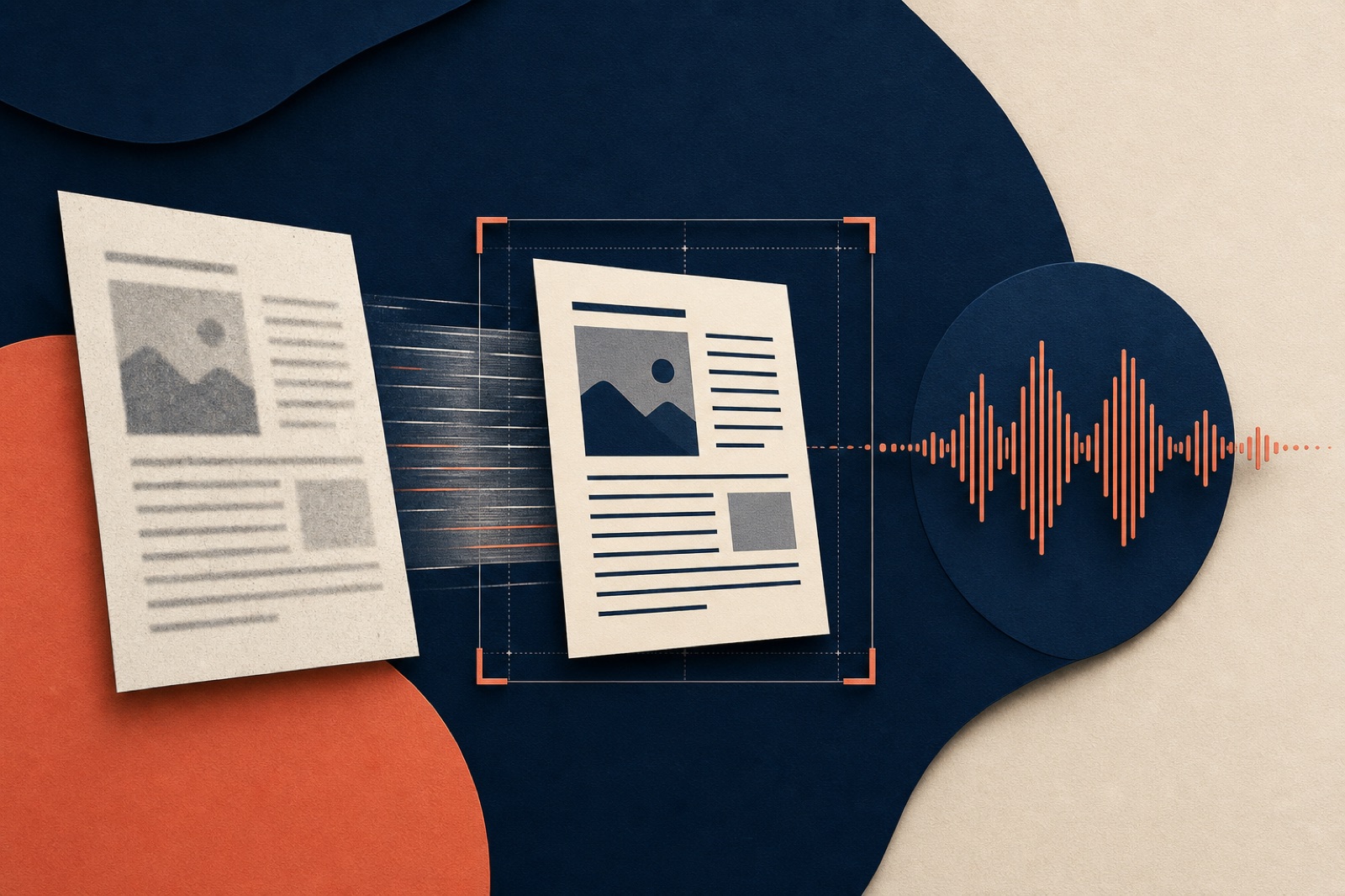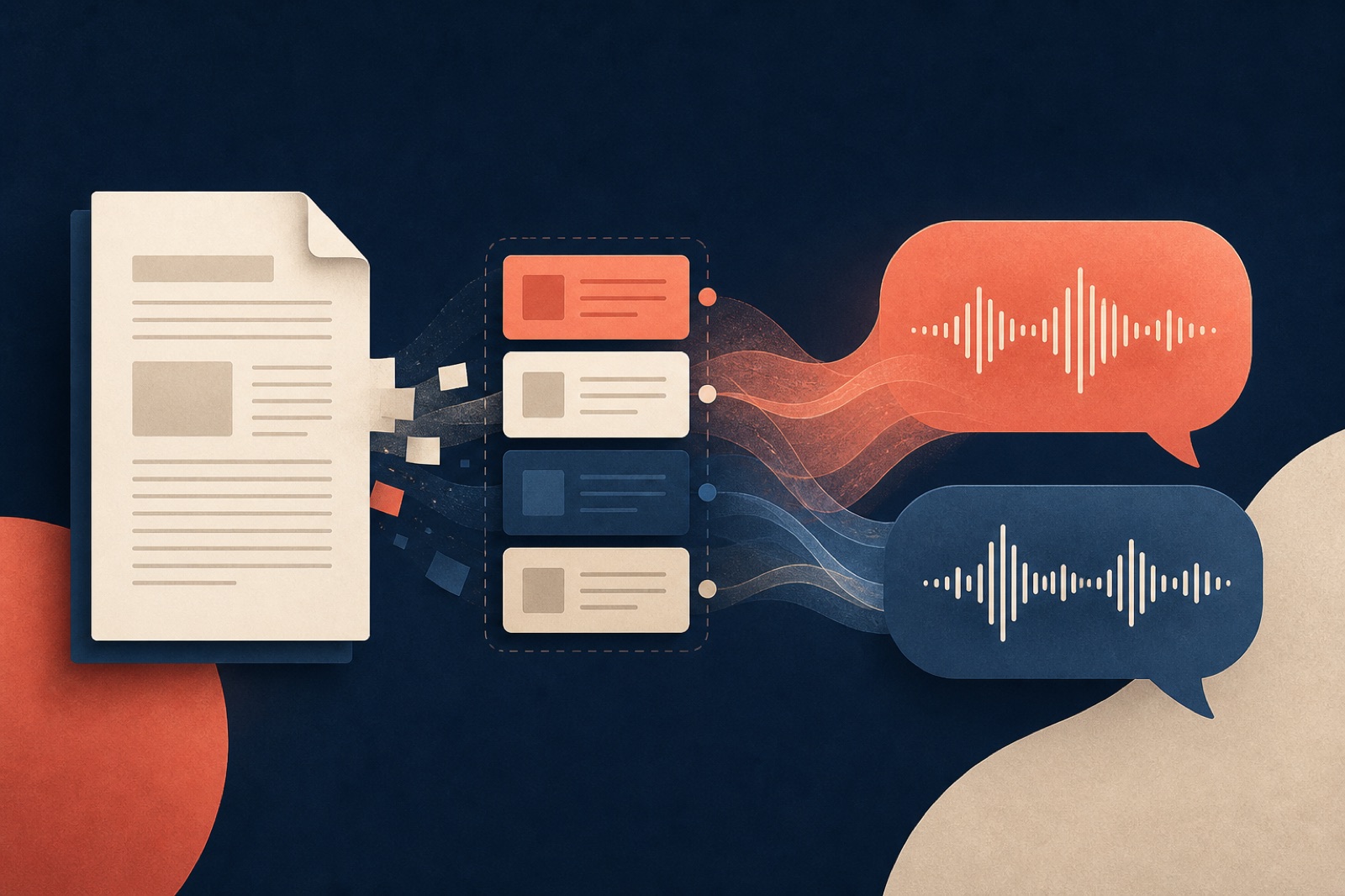
An AI podcast can only work with the document it receives. If the source repeats headers on every page, hides essential meaning inside a chart, or mixes a final report with six pages of obsolete notes, the resulting conversation will inherit those problems. A better voice model cannot repair missing context.
The useful work therefore begins before generation. This guide is a preflight for reports, papers, lecture notes, PDFs, and web pages. It does not require special software. The goal is to hand the conversion system a source whose structure, scope, and important evidence are obvious.
Decide what the episode is supposed to do
Start with one sentence: “After listening, I should be able to…” A research review might end with “explain the authors’ question, method, and limitations.” A board report might end with “recall the three decisions and the evidence behind them.” A course chapter might end with “distinguish the four mechanisms and solve a representative problem.”
This sentence is not a prompt full of production instructions. It is a scope test. When a source contains material that does not serve the outcome, you can remove it or place it in a separate episode. When an essential appendix does serve the outcome, you know to include it.
One document does not always equal one good episode. A 180-page handbook may contain onboarding, troubleshooting, legal terms, and release history. Those are four listening jobs, not one. Split by reader task or argument rather than by an arbitrary page count.
Confirm that the text is actually extractable
Open the document and try to select a sentence. Copy it into a plain-text editor. If nothing appears, or the pasted text is scrambled, the file may be an image-only scan or have a broken text layer. Run optical character recognition before conversion. Adobe’s official OCR guidance also recommends reviewing the recognized text because OCR creates a searchable layer but does not guarantee accuracy.
Spot-check the parts that are easiest for OCR to damage:
- names, acronyms, chemical symbols, and product codes;
- tables with narrow columns;
- footnotes and superscripts;
- pages with two columns or marginal notes;
- Chinese, Japanese, or mixed-language passages;
- hyphenated words broken across lines.
For a longer troubleshooting sequence, audit OCR language, reading order, and high-risk characters separately. The important principle is simple: do not judge extraction by whether the PDF looks sharp on screen. Visual quality and machine-readable text are different properties.
Remove repeated furniture without deleting meaning
Documents built for print contain elements that are harmless to a reader but awkward in audio: running headers, page numbers, copyright lines, navigation menus, “continued” labels, and identical footers. Repeated on every page, these can become verbal noise or distort what the system treats as important.
Remove obvious repetition from a working copy. Keep the original unchanged. Do not delete captions, section headings, source notes, or table labels merely because they sit near the page edge. Those elements often carry the context needed to interpret a number.
For a web page, prefer the article’s reader view or main-content export over a full page capture. Cookie banners, related-story carousels, comments, and footer navigation are not part of the author’s argument. Check that the cleaned version still includes the byline, publication date, and outbound sources when they matter to credibility.
Turn visual evidence into words
Audio cannot silently point to Figure 4. If a chart or diagram is essential, add a short textual note immediately after its reference. A useful note explains the question, axes or comparison, main pattern, and important exception. It does not need to enumerate every pixel.
For example:
Figure 4 compares monthly support volume for three plans from January through June. The Pro plan rises steadily and passes the Free plan in May; Enterprise remains low and stable. The June spike coincides with the migration described in the following section.
Tables need similar treatment. Preserve a table when its exact cells matter, but add a sentence that states what listeners should notice. If a table is mostly a lookup reference, consider excluding it from the episode and retaining it in the transcript or source link.
Equations, code, and phonetic notation also need an audio decision. A short formula can be verbalized. A long derivation is usually better summarized with the original notation available alongside the audio.
Preserve the evidence trail
Do not strip citations simply to make a document look cleaner. A conversation should distinguish what the source establishes from what a host infers. Keep footnotes that qualify claims, identify datasets, or define a method. Remove purely typographic cross-references only when they add nothing.
For web sources, save the title, author or organization, URL, and access date. For an academic paper, retain the DOI and bibliography. For an internal report, retain the version, owner, and reporting period. This information helps you verify the script and makes later corrections possible.
If several documents are combined, insert explicit source boundaries:
SOURCE 1: Q2 Customer Research — final, 2026-06-30
SOURCE 2: Support Theme Analysis — approved, 2026-07-05
Without boundaries, a generated script may blend two definitions or present a later comment as if it appeared in the original report.
Resolve version and confidentiality problems
Check the filename, cover page, and revision history. “final-v7-revised.pdf” is not reliable evidence that a file is current. Compare the document’s date and owner with the system of record. Remove tracked changes, unresolved comments, and superseded appendices unless the episode is specifically about the editing process.
Then classify the information. Does the source contain customer names, private health or financial details, unpublished results, credentials, or contractual restrictions? If so, do not upload it until the chosen service’s storage, retention, model-training, deletion, and access rules meet your requirements. A full privacy review should map every processor, retention period, sharing control, and deletion path before upload.
Redaction should remove the underlying data, not merely draw a black rectangle over visible text. Reopen the exported file and test copy-paste, search, annotations, and metadata.
Add a small pronunciation and terminology note
A short glossary improves both script accuracy and speech. Include expansions for uncommon acronyms, preferred readings for names, and distinctions between terms that look similar. Keep it factual:
API: say each letter
LiDAR: “lie-dar”
ACME Edge: product name; do not shorten to ACME
Sū Yán / 苏言: Chinese personal name
For multilingual material, label intentional language switches. Do not transliterate every passage if pronunciation in the original language matters. Chinese material needs extra checks for segmentation, polyphonic characters, names, punctuation, and code-switching.
Run a five-minute source audit
Before generating, answer these questions:
- Can text be selected and copied in the correct reading order?
- Is this the approved version and is its scope small enough for one episode?
- Are important charts, tables, and equations explained in words?
- Are citations, qualifications, and source boundaries preserved?
- Have sensitive data and upload rights been reviewed?
- Are repeated headers, menus, and irrelevant appendices removed?
- Are unfamiliar names and terms defined?
Then scan the first, middle, and last section of the cleaned copy. This catches truncated exports and page-range mistakes that a first-page check misses.
Keep the source and transcript together
After generation, retain the exact input version with the script or transcript. When a listener questions a claim, you should be able to find the originating passage. A transcript also supports search, correction, and people who cannot use audio. W3C’s media accessibility guidance recommends providing text alternatives for prerecorded audio; preserving the source makes that easier.
DuoCast accepts text, PDF, DOCX, or a URL and turns it into a two-host conversation. It can save production time, but it should be the conversion stage, not the place where version control, privacy review, or evidence checking first happens.
The best preflight is deliberately boring. Choose the right source, make its structure legible, preserve its evidence, and check what extraction produced. Those steps improve any document-to-audio workflow, regardless of the tool or voice you use.